
If you have ever found yourself typing the same AI prompt into Chrome Gemini over and over , once for this article, once for that recipe, once for a product page you just landed on ,you already understand the problem Google just solved.
On April 14, 2026, Google launched Skills in Chrome, a feature that lets you save any Gemini prompt as a reusable, one-click tool. You run it, it works, and the next time you need it, it’s right there waiting. No retyping. No re-explaining. Just one go ahead and click.
This is not a cosmetic upgrade. It’s a structural change in how work gets done inside the browser.
What exactly is a “Skill”?
A Skill is essentially a saved AI prompt powered by Gemini inside Chrome.
Once you run a prompt that delivers a useful result, you can save it as a named Skill. From that point on, it becomes a reusable tool that can run across any webpage,or even multiple tabs,instantly.
AI is no longer a one-off interaction. It becomes a persistent productivity layer embedded into your workflow.
How to create and use a Skill
- Open Chrome and launch Gemini from the toolbar
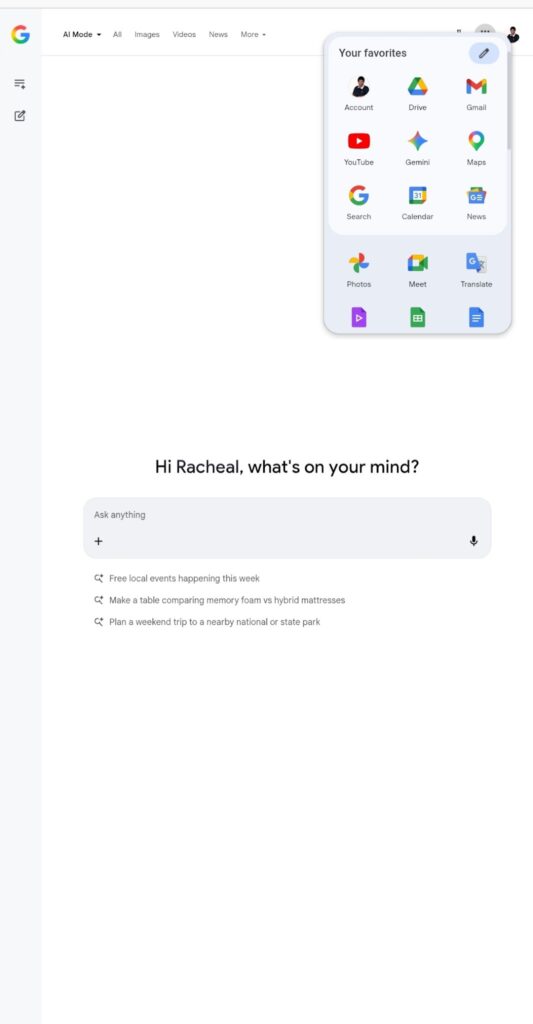
- Enter a prompt,for example: “Summarize this article in five bullet points”
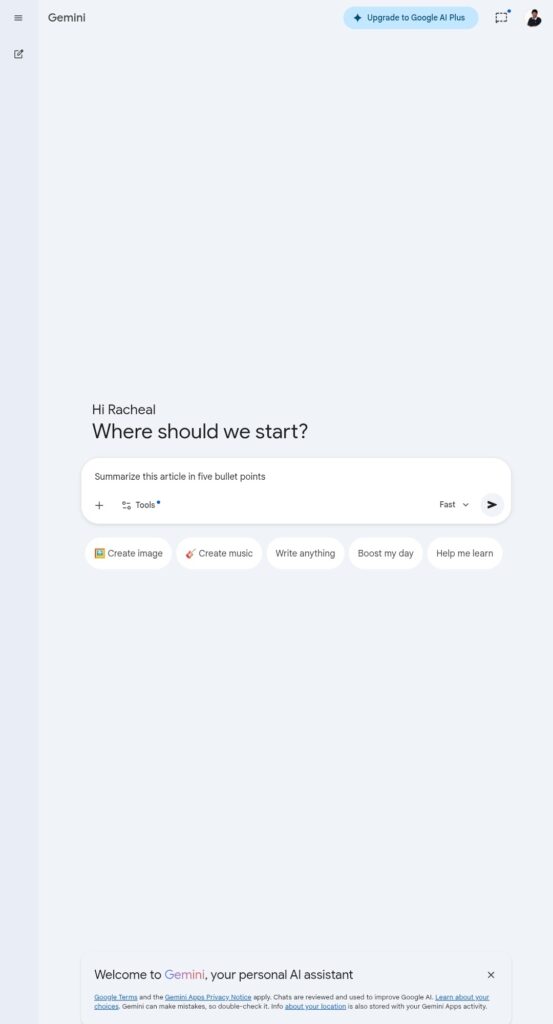
- Once the result meets your expectations, save the prompt as a Skill
- On any webpage, type / in the Gemini chat box or click the + icon
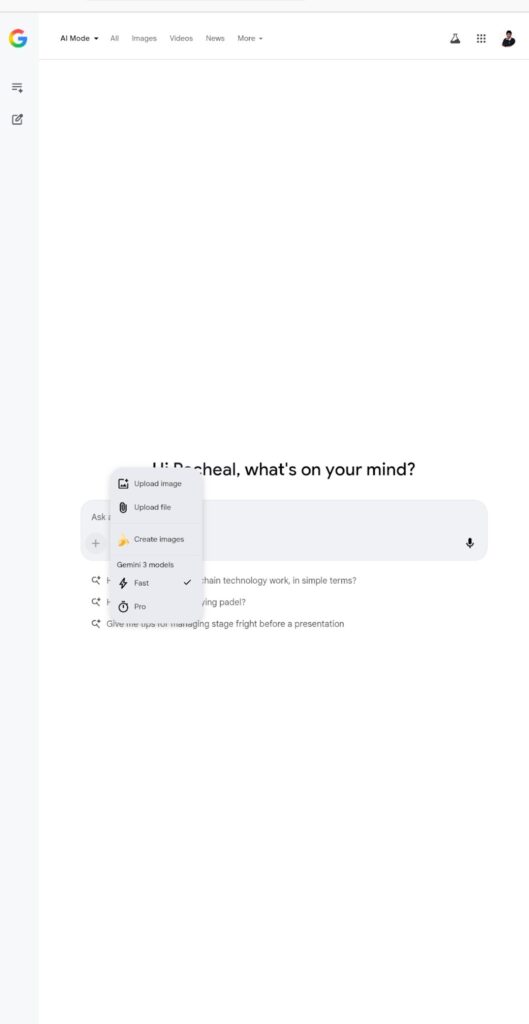
- Select your saved Skill and run it instantly
- Edit or refine your Skills anytime from the same interface
Google also ships a built-in Skills library,a collection of pre-written prompts for common tasks.
You can:
- Browse available Skills
- Add them directly to your workspace
- Modify them to match your exact workflow
This lowers the barrier to entry while still allowing full customization.
Real-world use cases
This is where the feature moves from “interesting” to “essential.”
- Productivity
Scan long documents and extract key insights automatically.
- Research & Writing
Run summarization or analysis prompts across multiple tabs simultaneously.
- Shopping
Compare product specs across different pages without switching context.
- Health & Lifestyle
Calculate nutritional values directly from recipe pages.
The pattern is consistent: fewer steps, faster output.
Beyond Skills: other Chrome features that amplify workflow
While Skills is the headline feature, Chrome’s broader toolkit reinforces the same goal,efficiency.
- Tab Search: Instantly find any open tab from a single search bar
- Tab Groups: Organize workstreams into clean, collapsible clusters
- Chrome Actions: Execute commands (like clearing data or opening settings) directly from the address bar
- Password Manager: Generate and store secure credentials without third-party tools
- Live Caption: Automatically generate captions for any audio or video
Individually, these features are useful. Combined, they create a tightly integrated productivity environment.
Is it safe?
Skills operate within Chrome’s existing security framework.
- Prompts follow the same safeguards as Gemini interactions
- Sensitive actions require user confirmation
- Chrome’s auto-update system ensures continuous security patchesIn short, nothing runs without visibility or control.
As of April 2026, Skills are rolling out across desktop devices, including Mac, Windows, and ChromeOS, for users operating in English (US). Saved Skills sync across devices when you’re signed into Chrome,build once, use everywhere.
Google chrome is evolving from a passive browsing tool into an active execution layer. The introduction of Skills signals that workflows are becoming programmable, and AI is becoming operational.
Read also: Tether launches self-custodial wallet to eliminate reliance on centralized platforms